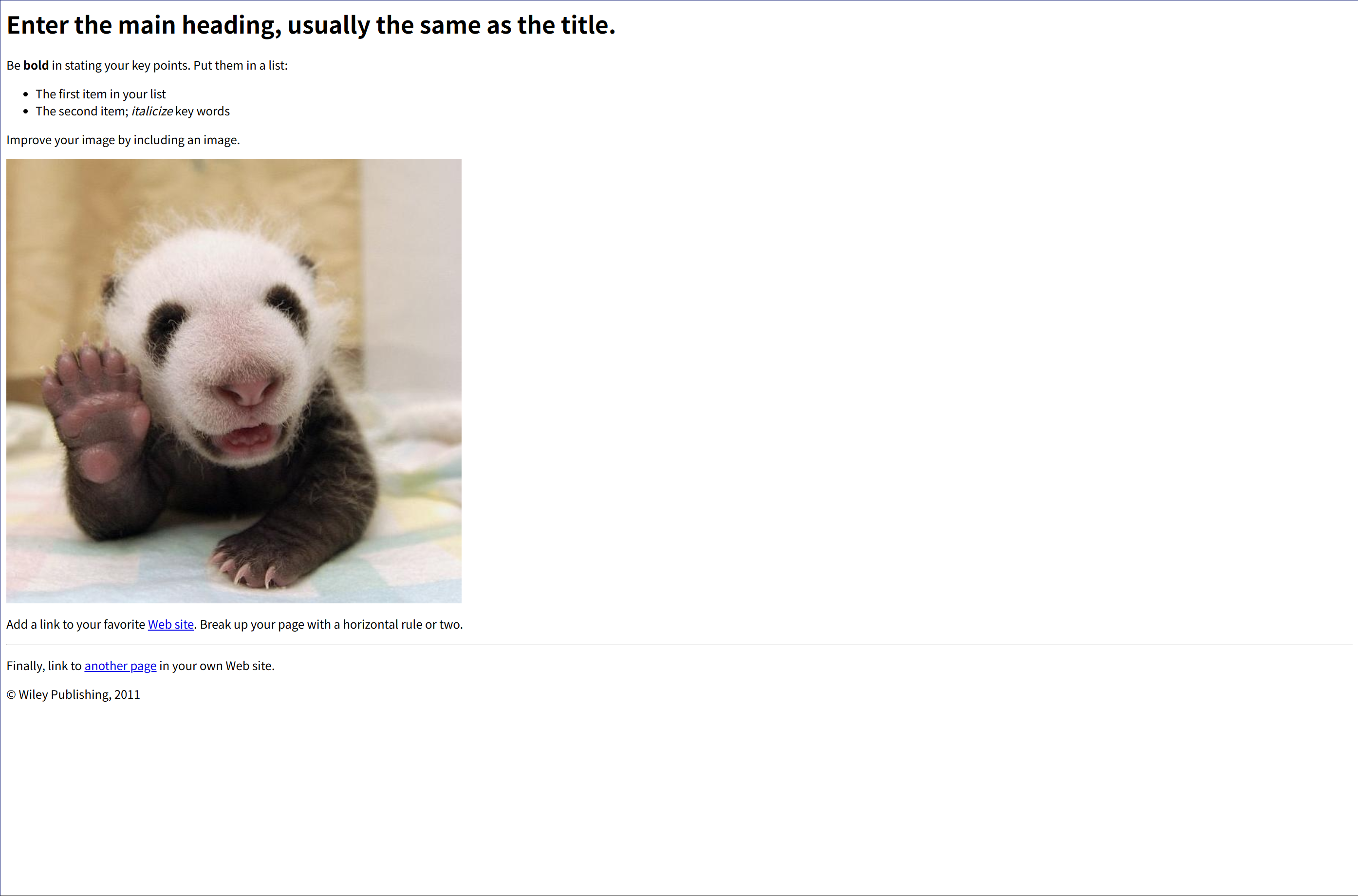
<html lang=""> <!-- Text between angle brackets is an HTML tag and is not displayed. Most tags, such as the HTML and /HTML tags that surround the contents of a page, come in pairs; some tags, like HR, for a horizontal rule, stand alone. Comments, such as the text you're reading, are not displayed when the Web page is shown. The information between the HEAD and /HEAD tags is not displayed. The information between the BODY and /BODY tags is displayed.--> <head> <title>Enter a title, displayed at the top of the window.</title> </head> <!-- The information between the BODY and /BODY tags is displayed.--> <body> <h1>Enter the main heading, usually the same as the title.</h1> <p>Be <b>bold</b> in stating your key points. Put them in a list:</p> <ul> <li>The first item in your list</li> <li>The second item; <i>italicize</i> key words</li> </ul> <p>Improve your image by including an image.</p> <p> <img src="https://i.imgur.com/SEBww.jpg" alt="A Great HTML Resource" /> </p> <p> Add a link to your favorite <a href="https://www.dummies.com/">Web site</a>. Break up your page with a horizontal rule or two. </p> <hr /> <p> Finally, link to <a href="page2.html">another page</a> in your own Web site. </p> <!-- And add a copyright notice.--> <p>© Wiley Publishing, 2011</p> </body> </html>